
For a freelancer or small business, the question rarely comes up in these terms: "where is my data?" You just know it's "somewhere" — on the laptop, on a USB stick at the back of a drawer, on an external drive plugged in once a quarter, in a cloud service subscribed to one day without much thought.
The risk isn't primarily about an incident. It comes from the absence of a deliberate, controlled, reversible architecture — reversible meaning able to retrieve and transfer the data without excessive dependence on a piece of equipment or a provider.
Data that exists, but is rarely organized
In many small structures, the data does exist. What's missing is coherence between the places it lives: manual copies made on an ad hoc basis, isolated storage devices that don't talk to each other, files scattered across several machines, cloud used for a one-off purpose that never becomes an actual strategy.
Each of these elements makes sense at the moment it's set up. The problem appears once they pile up without anyone holding an overall view.
According to the France Num 2025 barometer, 84% of French small businesses report having at least one cybersecurity measure in place. Among them, 82% mention a data backup kept outside the company, notably in the cloud. At the same time, 52% of business owners fear data loss or a security breach — eight points higher than in 2021.
These figures speak to the declared existence of an offsite backup, not to its regularity, its versioning, restoration testing, or its integration into an overall organization.
The limits of any single solution taken in isolation
A USB stick gets lost, lent out, forgotten, or simply fails after a few years. An external drive, when only updated irregularly, protects only the version of the data it held at the last connection — not today's. A failure of the main workstation can lock access to everything else. And exclusive dependence on a cloud provider raises a simple question: what happens if access to that account is lost, suspended, or the service's terms change?
None of these solutions is bad in itself. Taken in isolation, without a defined strategy, each can leave fragility points in place.
Sync and backup meet different needs
This is a common confusion: syncing a folder is not the same as backing it up. Sync makes access easier — the same, up-to-date files across several devices. Without a versioning mechanism — keeping successive prior versions of a file —, the deletion or corruption of a file can also propagate. A separate, versioned backup allows you to roll back to an earlier state.
Local storage as a foundation of control
A centralized storage solution — a NAS (network-attached storage device), for instance — has an often underrated advantage: the business keeps a direct point of administration over its data, without depending on a third-party service's availability just to know where your own files stand. That advantage only holds if the solution itself is properly maintained: access management, regular updates, retained prior versions, and a complementary offsite copy. An unmanaged NAS brings neither sovereignty nor extra protection — it just relocates the problem. Our expertise lies in designing this organization for the long term: DYWEB draws on more than ten years of expertise in network storage solutions to design architectures suited to small structures. A well-suited architecture can therefore bring more control without forcing the business into complex day-to-day management.
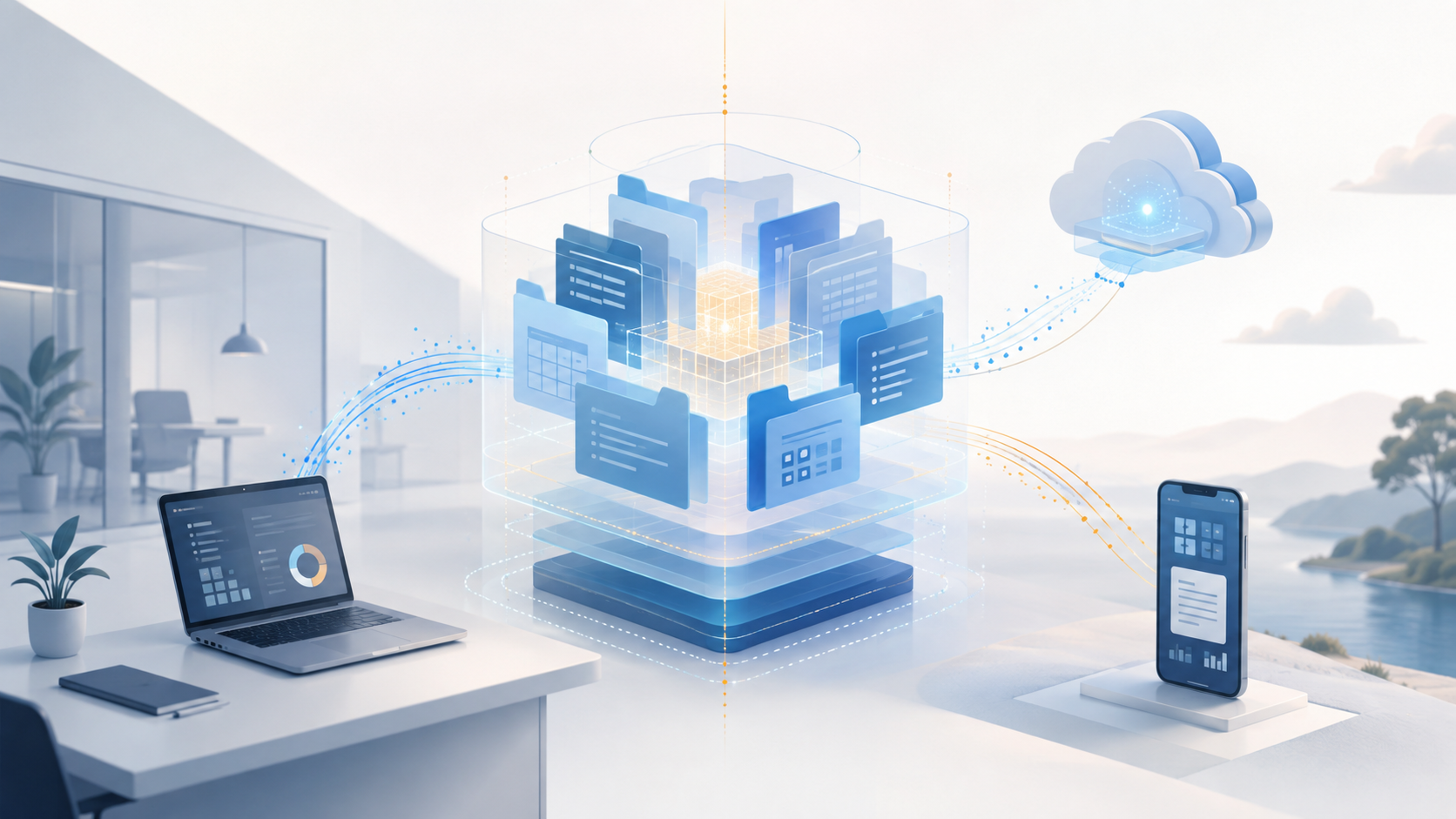
Centralizing data locally doesn't mean confining access to the premises. Depending on the architecture chosen, files can be accessed from a computer, tablet, or smartphone, both on the local network and remotely, while keeping a central point of data administration. External access, however, requires proper configuration: strong authentication, access rights, encryption, and network security.
Cloud as a complement, not an exclusive dependency
None of this disqualifies the cloud. It remains valuable for mobility, sharing with third parties, or as an offsite copy in case of local disaster. The question isn't "NAS or cloud," but how the two fit together in a coherent architecture, where each element — local storage, backup, cloud — has a clear role.
Building a proportionate architecture
There's no universal setup. A relevant data architecture depends on actual usage, volumes, who needs access to what, the desired level of reversibility, and how much access downtime the activity can tolerate.
Before any recommendation, this is exactly what a diagnostic needs to establish: not a product to recommend upfront, but a reading of the actual situation — where the data sits today, what risks it carries, what architecture would be proportionate to the activity.
The diagnostic must deliver a well-argued, proportionate architecture recommendation — a clear basis for deciding what to change.
Is your data actually under control and reversible?
DYWEB Consulting analyzes its location, its dependencies, and its recovery mechanisms to define an architecture proportionate to your business.